Beyond the Chat
Transforming a basic AI chatbot into a personalized, action-driven fitness experience.
- Company
- amp
- My role
- Product Design Lead
- Platform
- Native iOS & Android
- Focus
- Product Strategy, UX/UI Design, AI Experience, Native iOS & Android Design
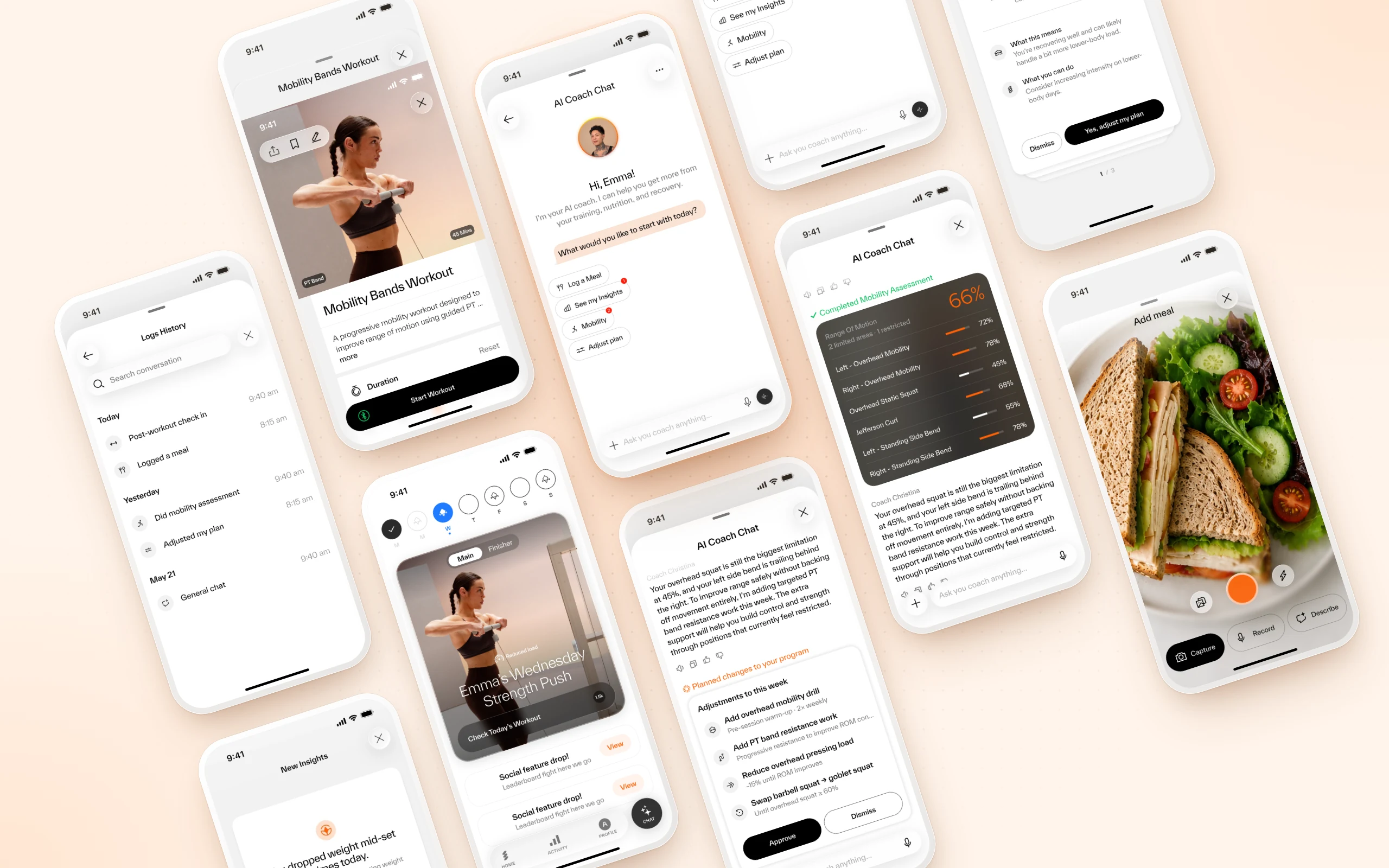 amp · AI Coach Chat
An AI Chat Without a Clear Purpose
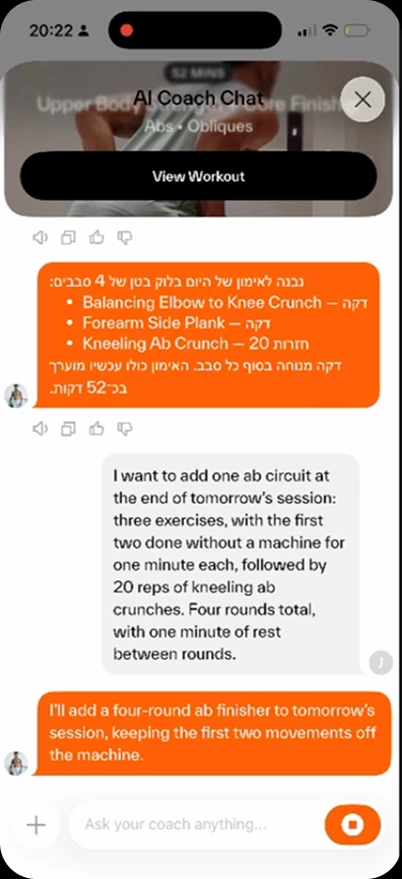
When I joined amp, its AI Chat was a standalone feature that offered little value beyond basic Q&A and generic workout recommendations.
Despite being positioned as a personal AI coach, it lacked meaningful personalization, access to users' fitness data, and integration with the app's core features.
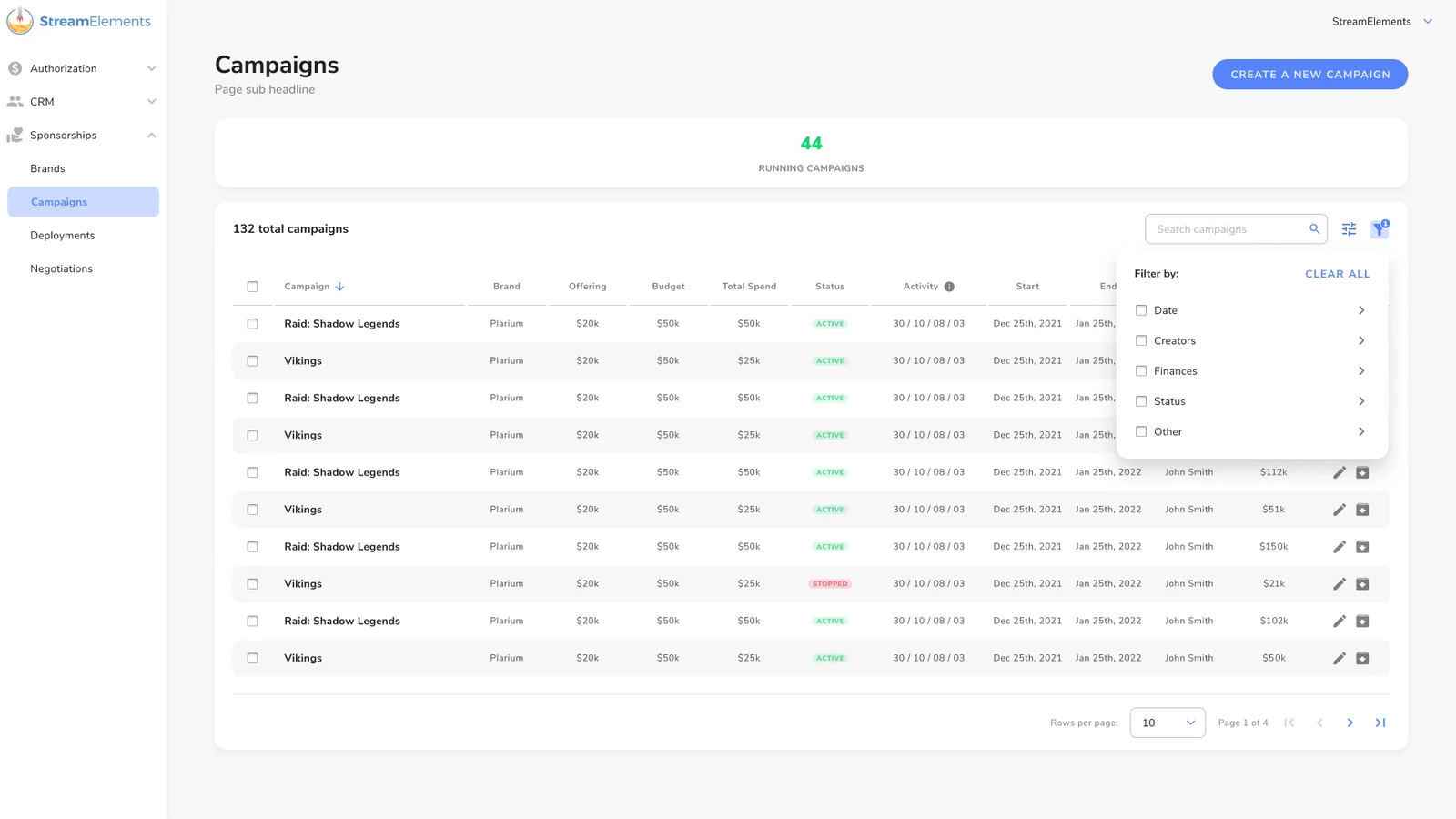
The experience was also overwhelming. Users were greeted with their entire conversation history rather than clear, actionable starting points.
- 1
Limited Utility
Generic recommendations and basic Q&A offered little differentiated value.
- 2
Lack of Personalization
The coach couldn't meaningfully leverage users' fitness data and progress.
- 3
Disconnected Experience
Core product capabilities were not accessible through the chat.
- 4
High Cognitive Load
Full conversation history and visually dominant UI created unnecessary friction.
The core problem wasn't the chat itself. It was the lack of a compelling reason to use it.
What if AI became the starting point for the entire fitness experience?
Rather than improving the chatbot in isolation, the opportunity was to redefine its role within the product.
The goal was to create a personalized, action-driven experience connecting training, nutrition, mobility, progress, and coaching through a single interface.
Mapping the Experience Before the Pixels
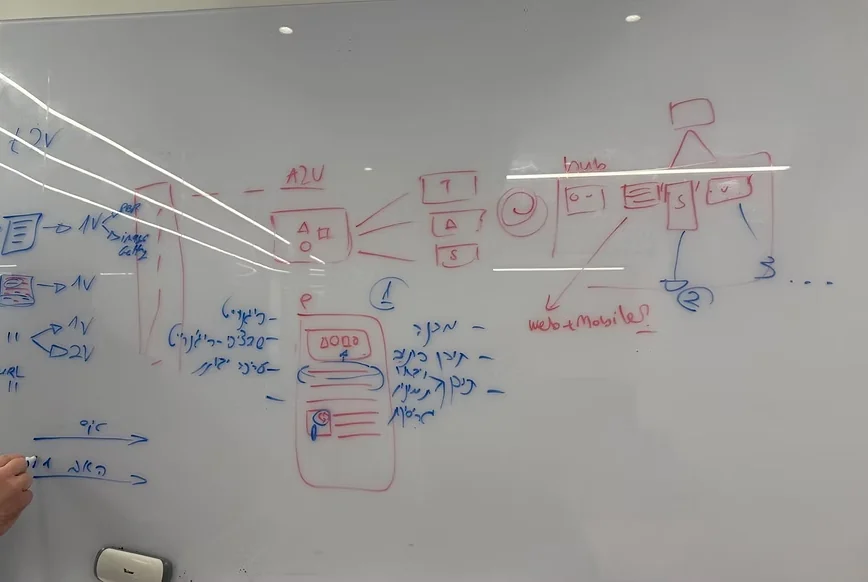
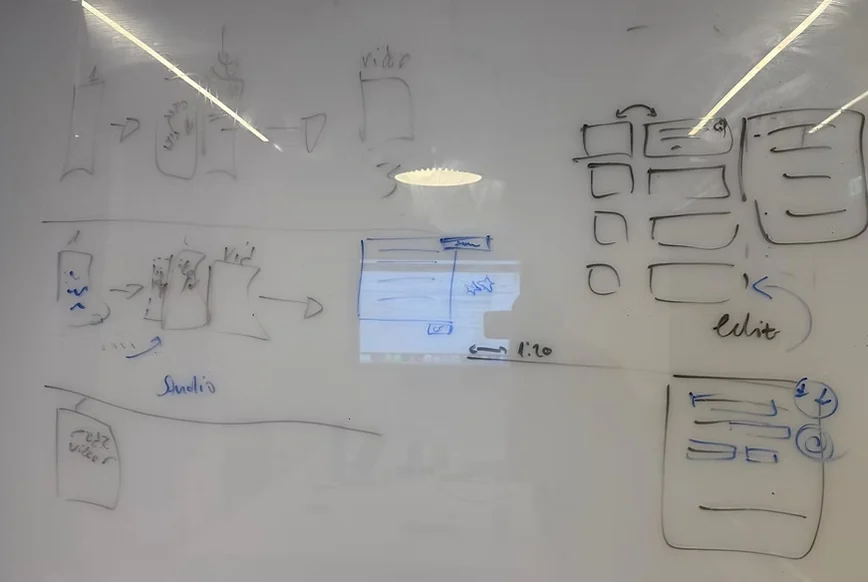
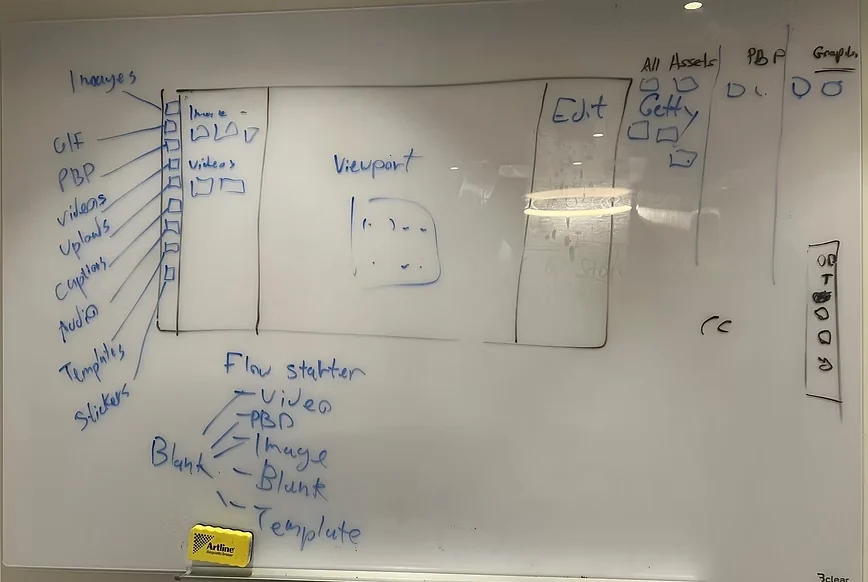
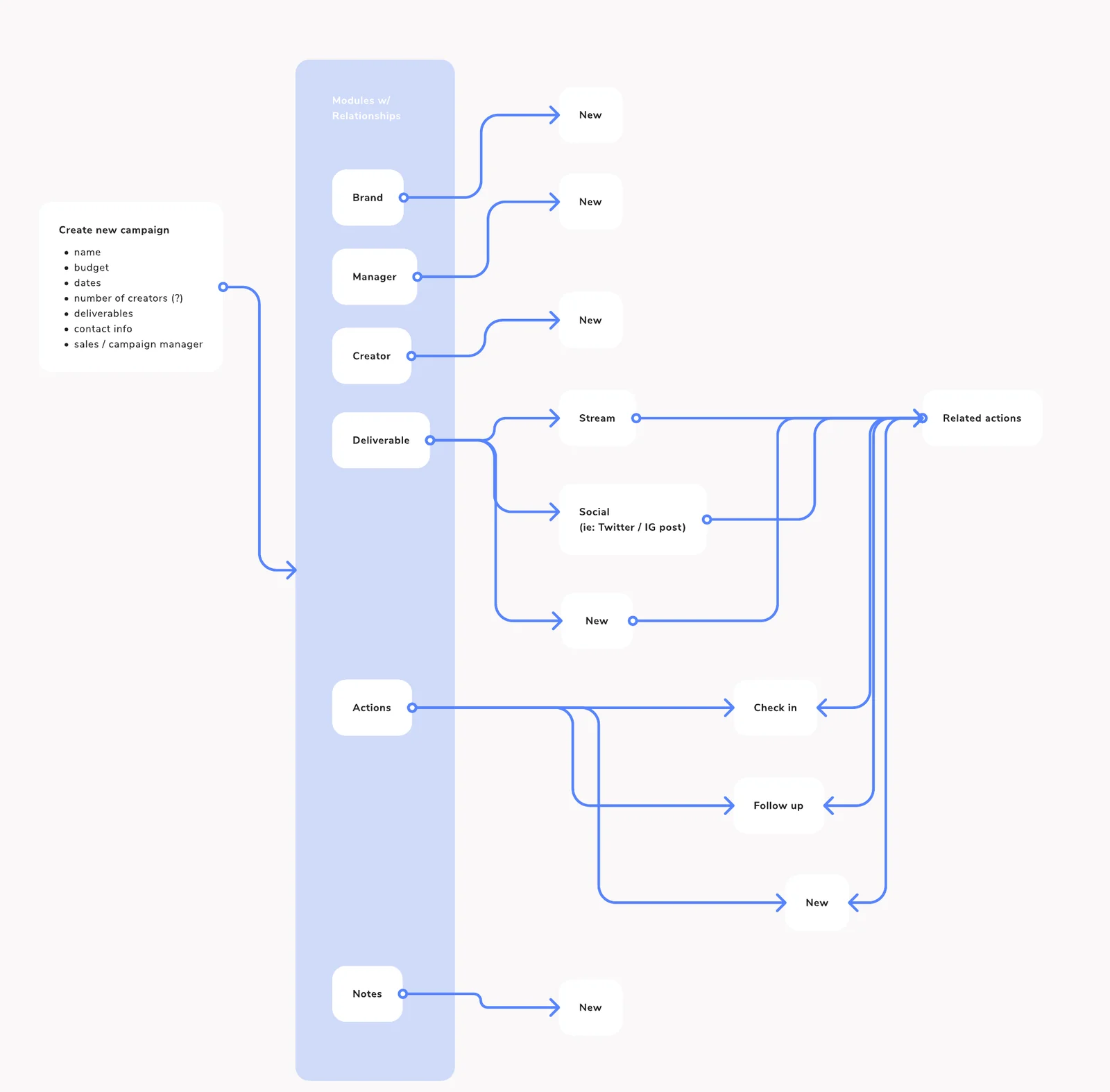
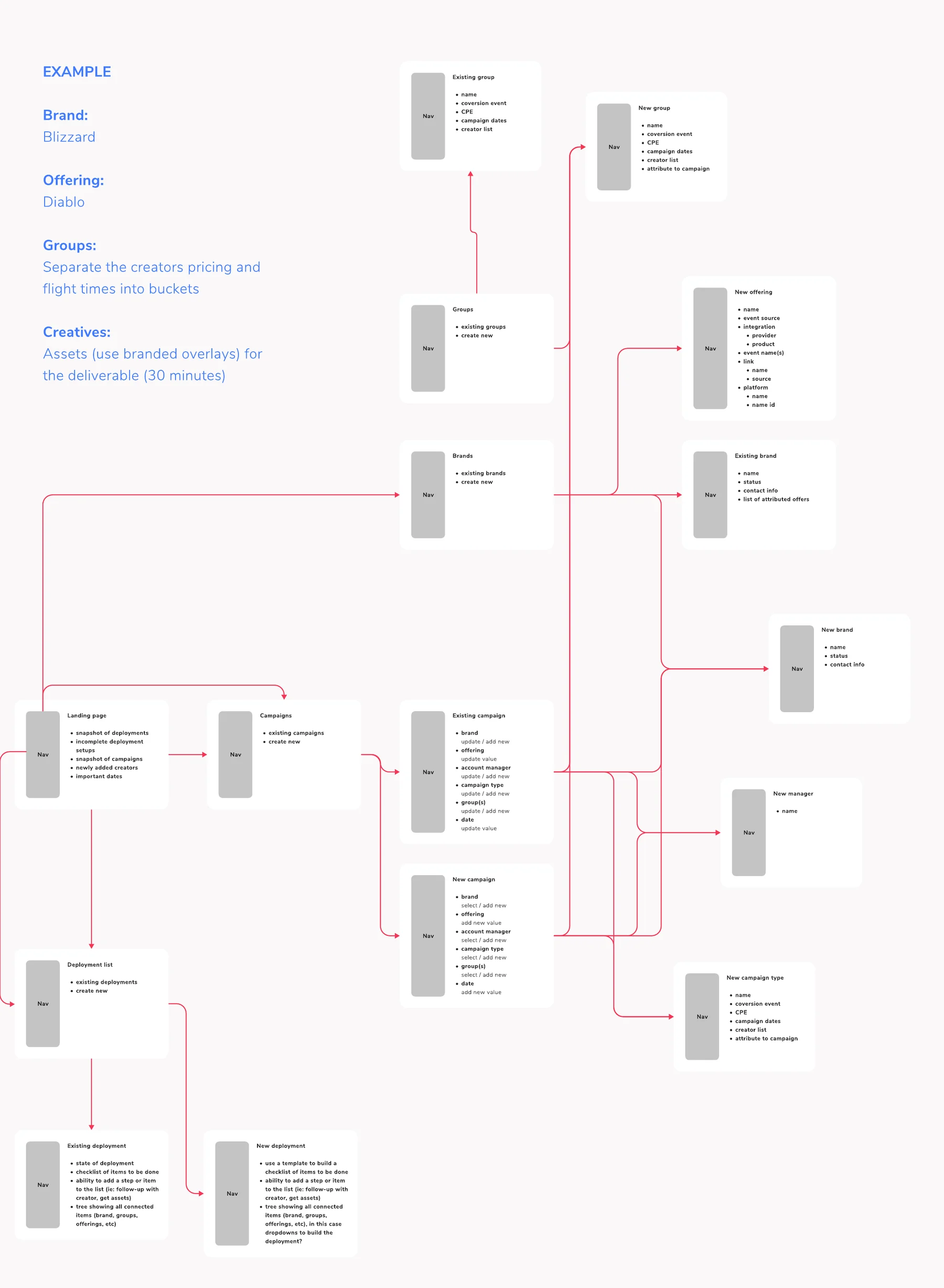
Before moving into high-fidelity design, I mapped how users would enter the chat and what they could do from there: first-time and returning entry, contextual entry points like logging a meal or starting a mobility assessment, and the full insights and notifications loop.
This map became the shared reference for product and engineering, and the foundation for the final flows.
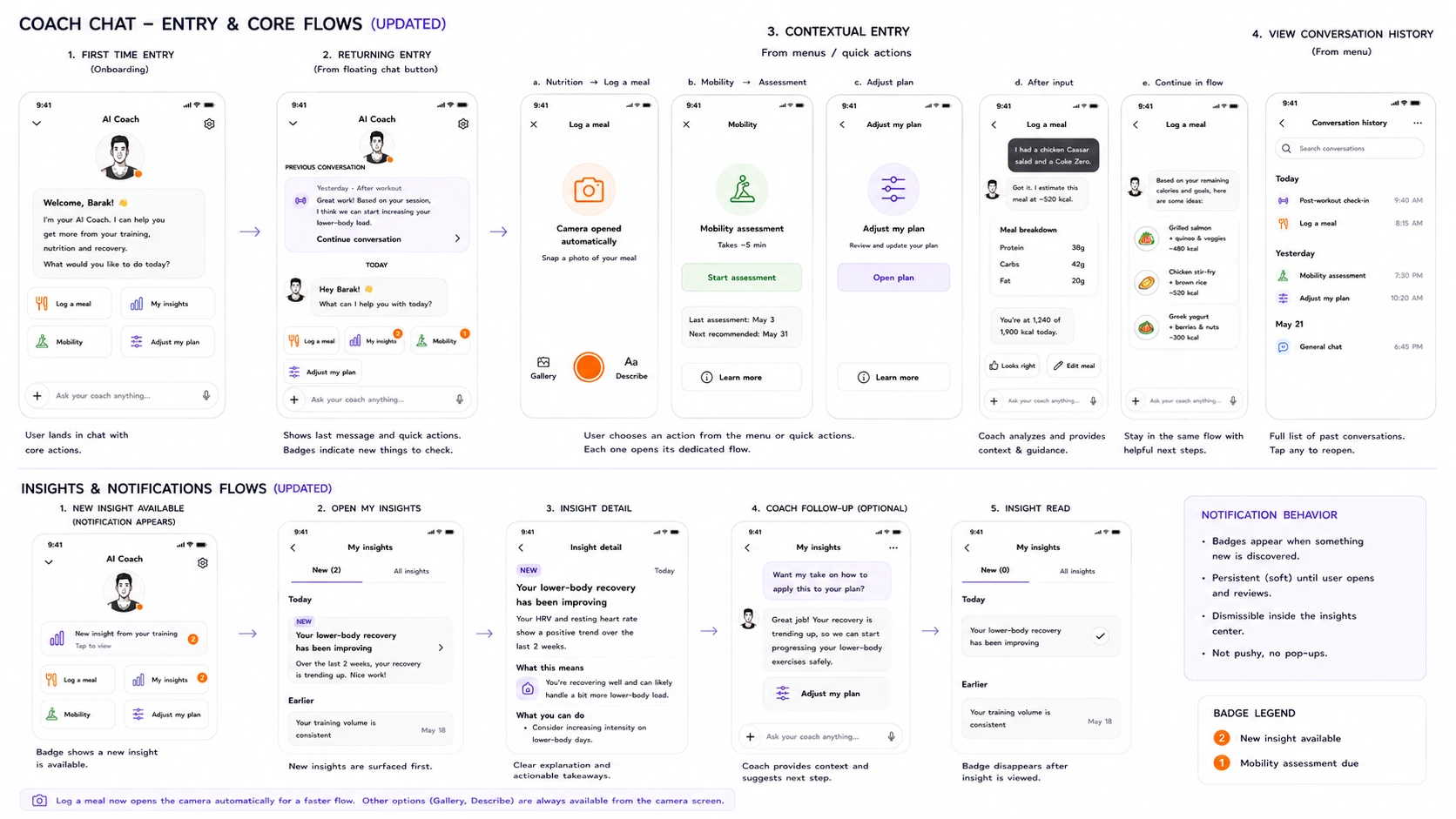 Coach chat · entry & core flows
Making AI Impossible to Miss
As the AI Coach evolved into a central product experience, its presence in the app needed to reflect that shift.
I redesigned the chat entry point within the bottom navigation, introducing a visually distinct, almost floating button that separates it from standard navigation items.
This reinforced the AI Coach as a prominent, always-accessible entry point.
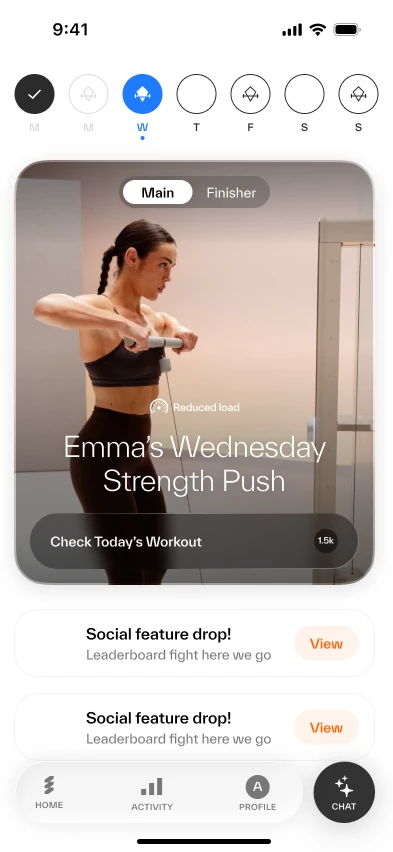 1
1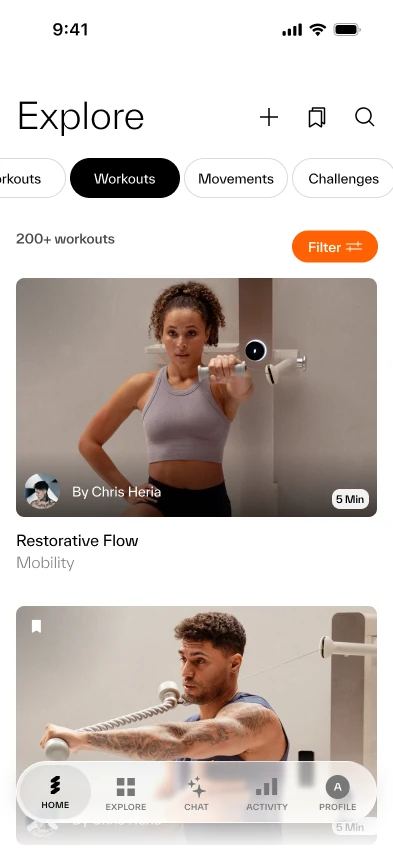 1
1Giving Every Conversation a Purpose
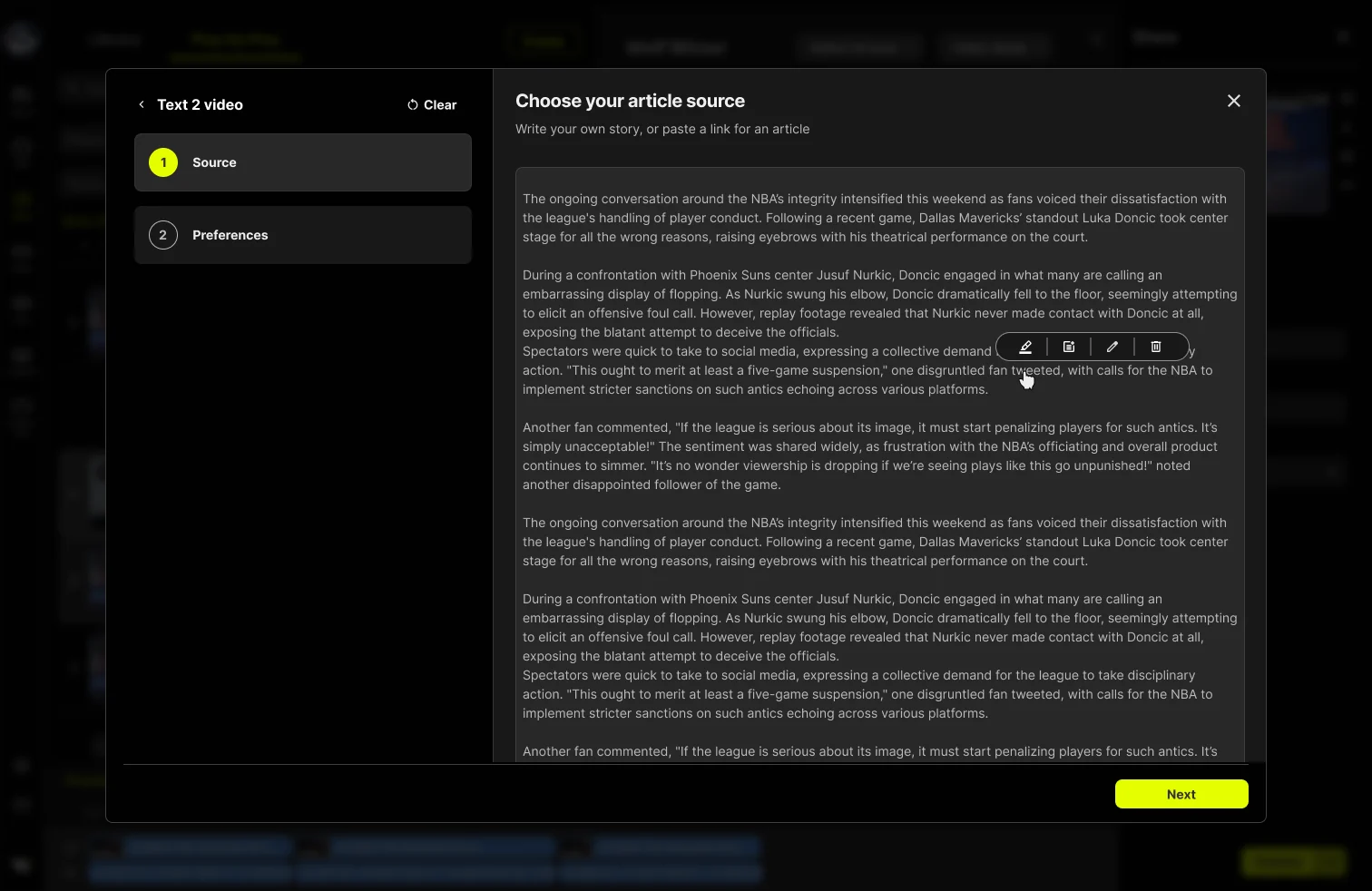
Rather than expecting users to know what to ask, I redesigned the chat entry experience around clear, actionable starting points.
Suggested actions such as Log a Meal, See My Insights, Mobility, and Adjust Plan make the coach's capabilities immediately discoverable.
For returning users, a focused previous-conversation preview allows them to resume interactions without displaying the entire chat history.
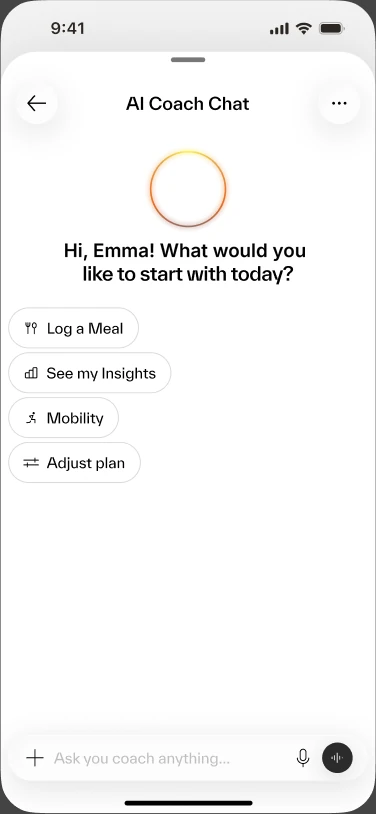 A
A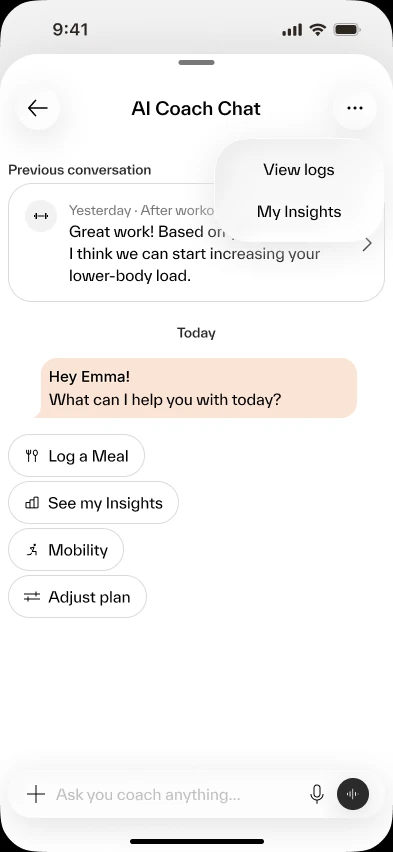 B
BLetting Users Choose How to Talk
In the old experience, opening the chat started recording automatically. That makes sense mid-workout, when your hands are busy. But most people opened the chat to get information, and an open microphone was the wrong default.
As a user myself, it felt intrusive. I usually closed the chat right away.
In the new experience, the chat opens on guided starting points, and the input bar works like the AI tools people already know: type, dictate, or switch to voice mode. The user decides, not the app.
A Coach That Knows When to Step In
The redesigned experience introduces contextual prompts that guide users toward relevant information based on their training activity.
Instead of relying entirely on user-initiated questions, the AI Coach can surface personalized insights and suggest meaningful next steps.
This creates a more useful experience grounded in the user's fitness journey.
1Home 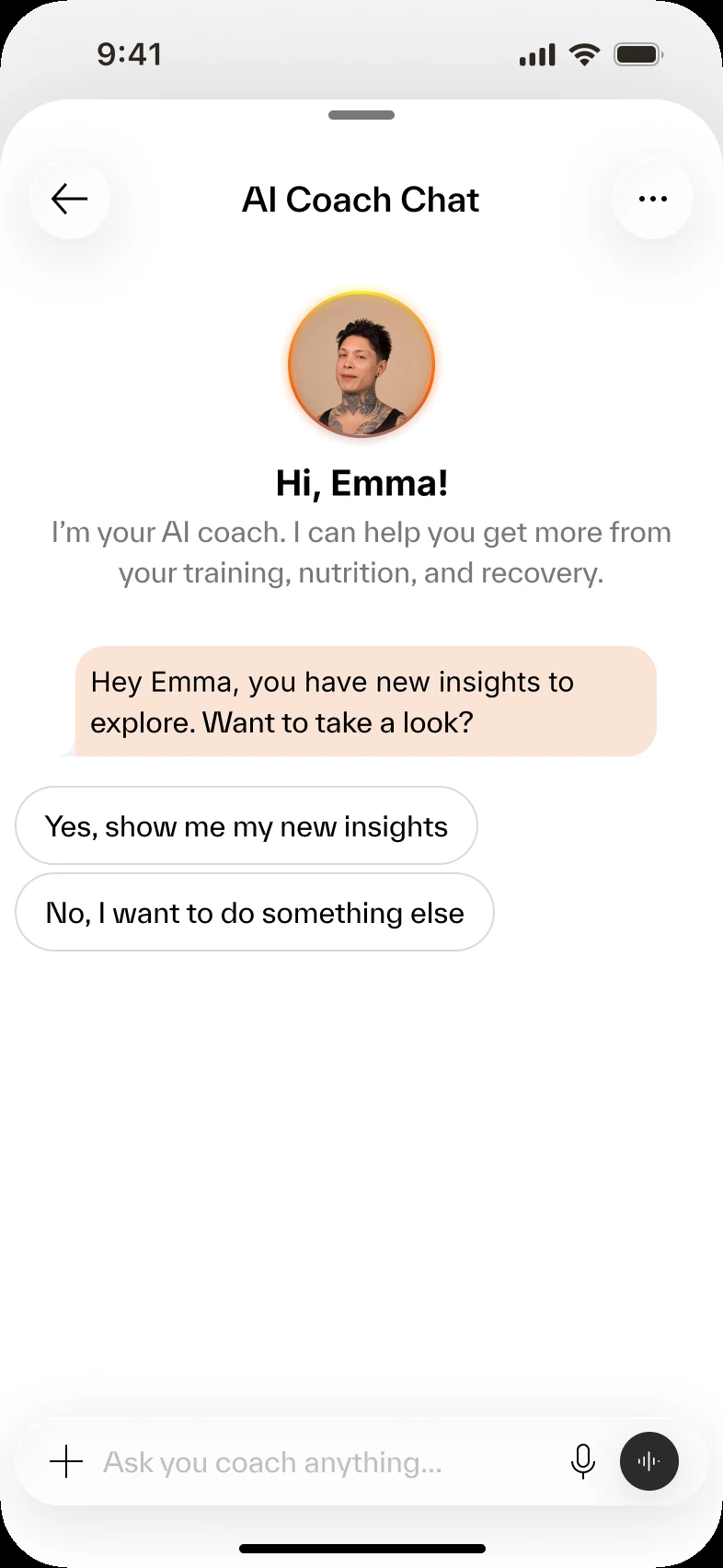
2The coach steps in with new insights 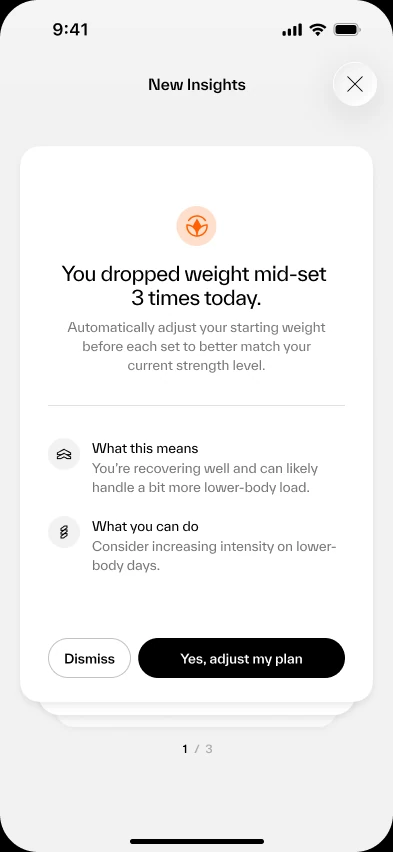
3A personalized insight with a next step
From Insight to Action in One Tap
Most fitness apps show charts and leave users to work out what they mean. I designed insights to answer three simple questions in plain language, then let users act on the answer right away.
For example, when a user dropped weight mid-set three times in one workout, the coach showed:
- What happened. "You dropped weight mid-set 3 times today."
- What it means. A short, plain explanation of why it matters for their training.
- What you can do. A concrete suggestion, like adjusting the starting weight before each set.
One tap on "Yes, adjust my plan" updates the training plan. No settings to search for and no jumping between screens.
1234- 1What happenedThe pattern the coach noticed: weight dropped mid-set 3 times.
- 2What it meansWhy it matters, in plain words.
- 3What you can doA concrete suggestion for the next workouts.
- 4Act on itOne tap updates the plan.
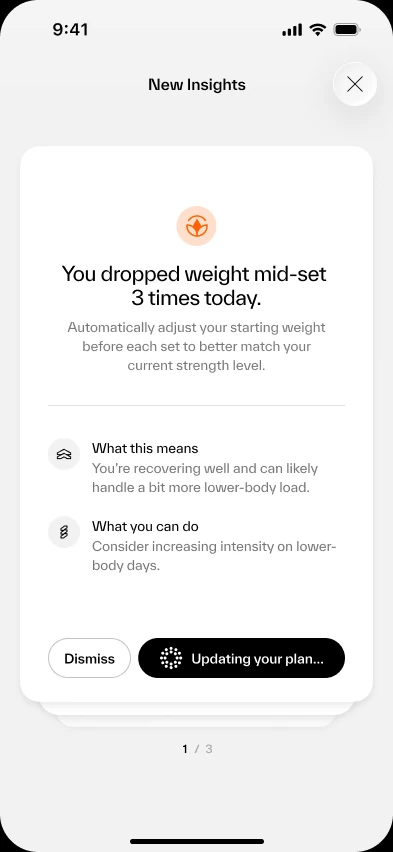
1After one tap, the plan updates 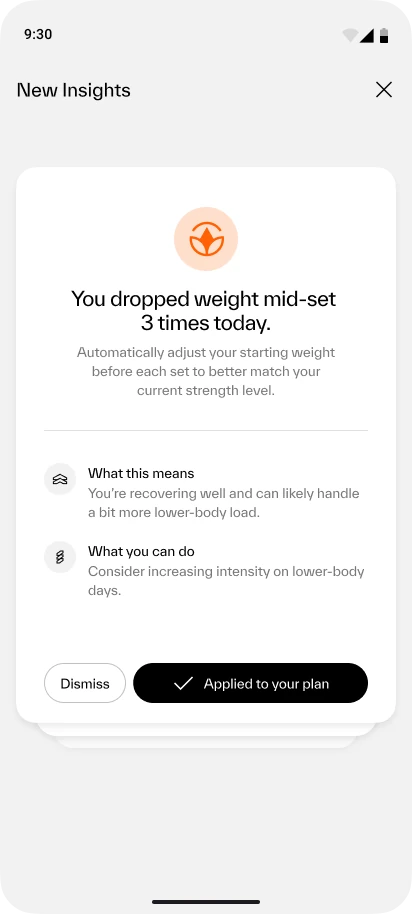
2Clear confirmation: applied to your plan 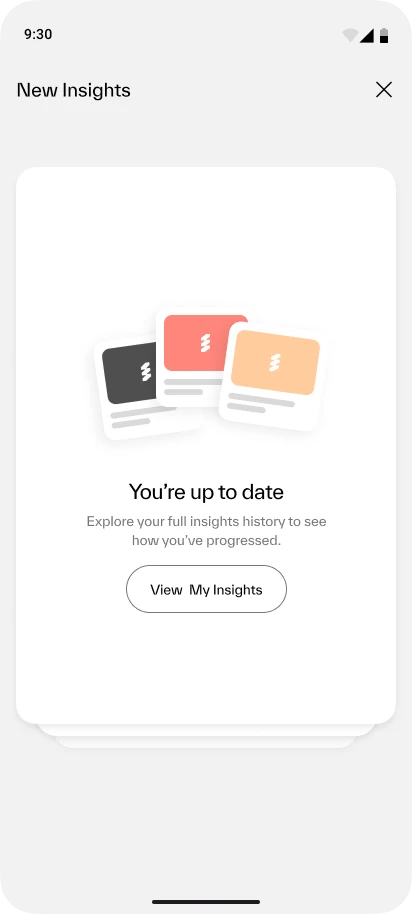
3All caught up, with a path to past insights
More Than a Chat. One Connected Experience.
The redesigned AI Coach connects users to meaningful capabilities across the app.
Users can access their training progress, review mobility assessments, log meals, explore personalized insights, and adjust their plans through a single conversational interface.
Mobility results feed straight back into the plan. The training program adapts to the score, and progress is re-checked four weeks later.
The goal was not to replace the rest of the app, but to make its capabilities easier to discover and use.
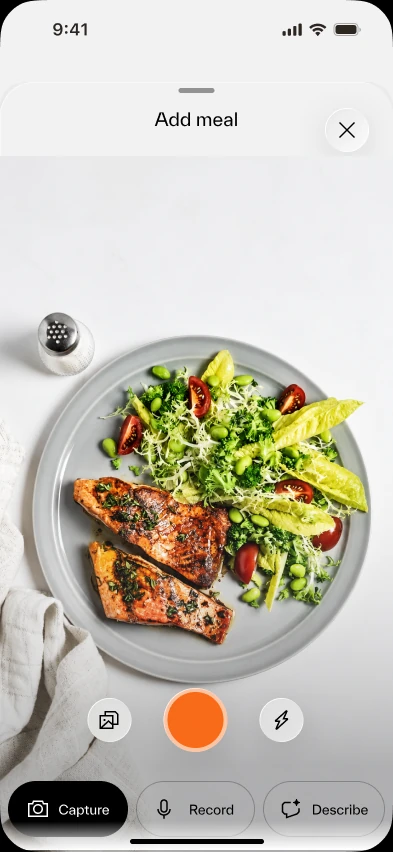
Nutrition
Log a meal
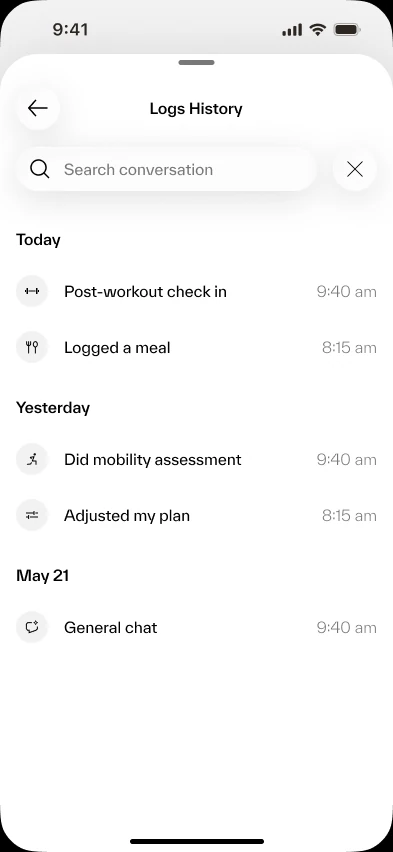
Logs
History of check-ins and chats
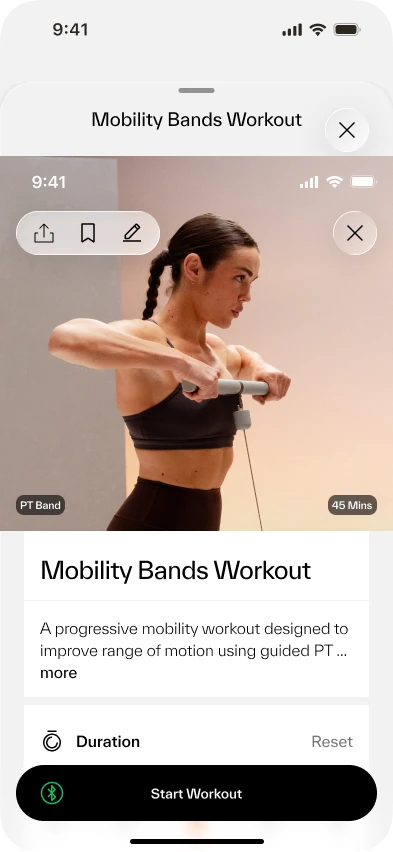
Mobility
Guided mobility assessment
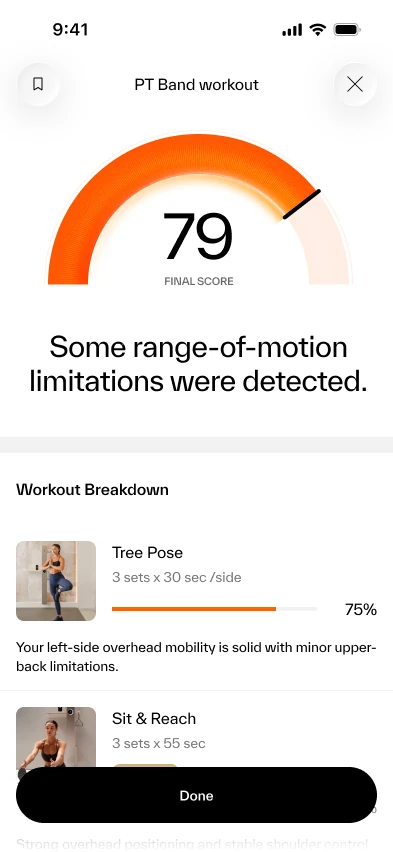
Mobility results
Plan adapts · re-check in 4 weeks
Making AI Worth Coming Back To
Once the coach was easy to find and every conversation had a clear starting point, people used it more and went further, without a dedicated launch.